
If you need to file a tax return for the first time, you must register for Self Assessment with HMRC by 5 October after the end of the tax year. Registering gives you a Unique Taxpayer Reference (UTR) and access to file online. This guide shows how to register, which route to use and what happens next.
At a glance
- Deadline: 5 October after the tax year you first need to file.
- How: online on GOV.UK with a Government Gateway or GOV.UK One Login account.
- You get: a 10-digit Unique Taxpayer Reference (UTR), usually within 15 working days.
- Cost: free.
When to register for Self Assessment
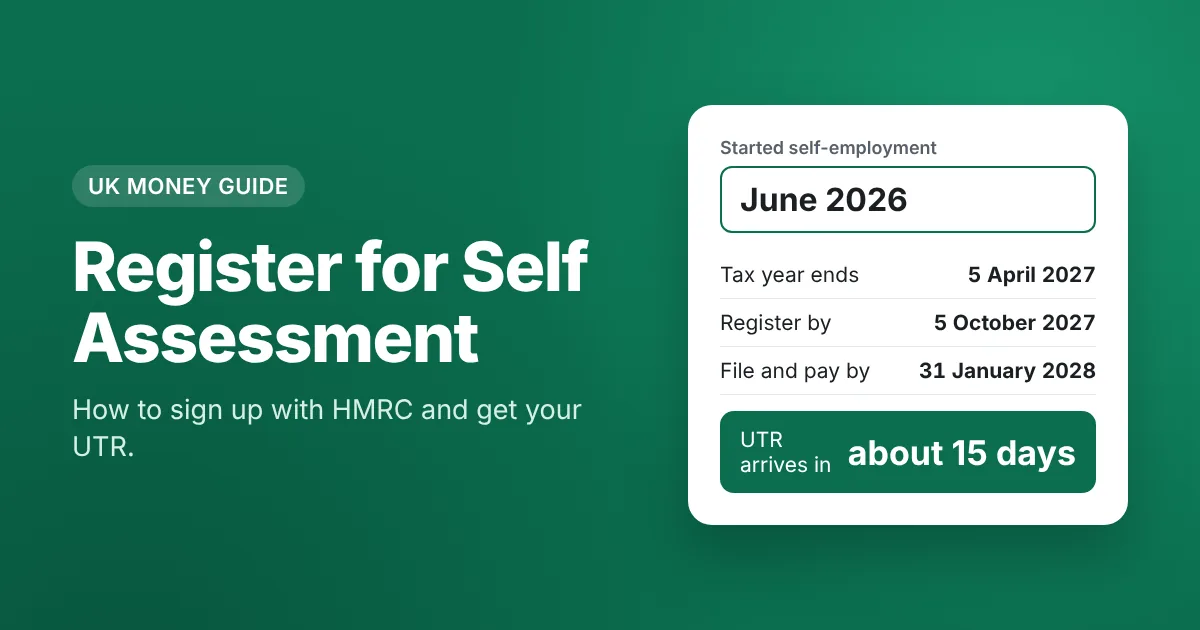
Register by 5 October following the tax year in which you first needed to file. For example, if you started self-employment in June 2026, the tax year ends on 5 April 2027 and you must register by 5 October 2027. Registering late can lead to a penalty if you also pay late.
How to register for Self Assessment: step by step
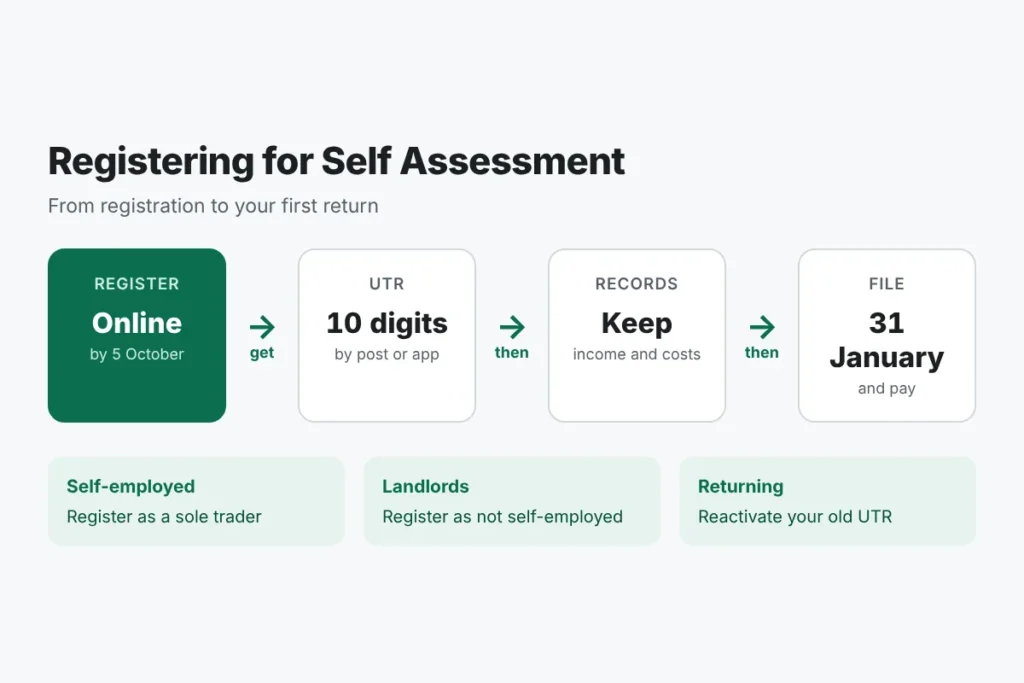
- Choose the right route. Self-employed people register as a sole trader; others (landlords, people with untaxed income) register as not self-employed; partners register as a partner. Start on GOV.UK: register for Self Assessment.
- Sign in or create an account. You need a Government Gateway or GOV.UK One Login account.
- Give your details: name, address, National Insurance number, the date you started, and your business details if self-employed.
- Wait for your UTR. HMRC sends your 10-digit Unique Taxpayer Reference by post, usually within 15 working days, and it also appears in your HMRC app or account.
- Activate online filing using the activation code HMRC sends, if asked.
HMRC register for Self Assessment: which form?
| You are | How to register |
|---|---|
| Self-employed sole trader | Online as self-employed (or form CWF1) |
| Not self-employed, for example a landlord | Online or form SA1 |
| Partner in a partnership | Online or form SA401 |
| Partnership itself | Form SA400 |
After you register
- Keep records of all income and costs from the start.
- File your first return online by 31 January after the tax year ends.
- Pay the tax by the same date. If your bill is over £1,000, you may also have to make payments on account.
- If your qualifying income is over the Making Tax Digital threshold, sign up for MTD and use compatible software.
Estimate your first bill with the self employed tax calculator and read our Self Assessment guide and deadline guide.
Registering for Self Assessment if you already have a UTR
If you filed before and stopped, you do not register again. Instead, reactivate your record in your HMRC account, using your existing UTR, so HMRC can send you a notice to file.
Frequently asked questions
How long does it take to register for Self Assessment?
The online form takes about 15 minutes. Your UTR usually arrives within 15 working days.
Do I need to register if I earn under £1,000?
Not for trading income under £1,000, because of the trading allowance, unless you want to pay voluntary National Insurance.
Can I register for Self Assessment after 5 October?
Yes, register as soon as you can. You may get a penalty if tax is also paid late.
What is a UTR?
Your 10-digit Unique Taxpayer Reference, used on every return and payment.